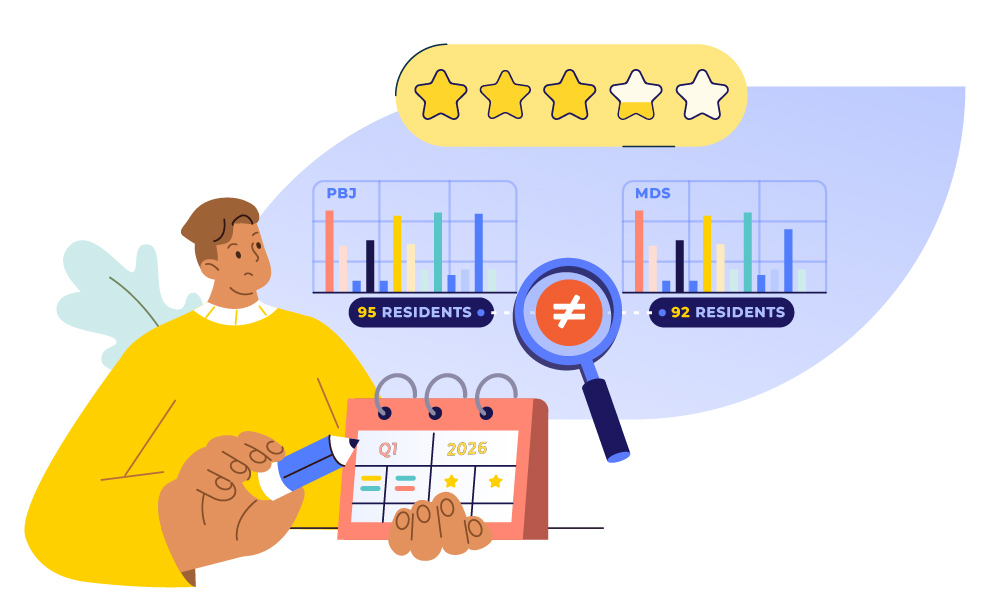
This scenario happens more often than we realize: your facility got dinged on your CMS Five-Star rating and your Total Nursing Hours score dropped, even though you know your staffing levels haven’t changed. You check your PBJ reports, and everything looks accurate. Even your MDS coordinator confirms all assessments were submitted on time.
So, what went wrong?
The problem isn’t that either data set is inaccurate. The problem is they’re not telling the same story. Your PBJ system says one thing about your census and staffing. Your minimum data set (MDS) assessments say something slightly different. And CMS uses both to calculate the measures that determine your star rating and Medicare payments.
For schedulers, this matters more than you might think. The staffing hours you schedule, and how accurately they’re tracked and reported, directly feed into your facility’s PBJ data. And when PBJ doesn’t align with MDS census data, your performance scores can suffer.
The Two Data Sources Behind Your CMS Five-Star Rating
The Minimum Data Set (MDS) is a comprehensive assessment of each resident’s health status and needs. Your MDS coordinator completes these assessments on schedule, capturing everything from cognitive function to diagnoses to care needs.
The Payroll-Based Journal (PBJ) tracks your staffing hours. Every quarter, your facility reports how many hours nurses and aides actually worked. This data is auditable and must include all contract and agency staff.

But here’s the connection many schedulers miss: CMS uses data from both systems together to calculate critical measures that impact your star rating.
The Total Nursing Hours Measure
In fiscal year 2026, CMS is using a measure called Total Nursing Hours per Resident Day for the SNF Value-Based Purchasing Program. This measure combines your PBJ staffing hours with your MDS resident census data.
Here’s how it works:
Your PBJ reports show the total hours worked by RNs, LPNs, and nurse aides.
The denominator comes from your MDS assessments. CMS calculates your daily resident census based on MDS data, not what you report in PBJ.
If your MDS census doesn’t match your actual census, or if your staffing hours aren’t accurately tracked, the numbers won’t add up correctly. This affects your performance scores and ultimately your Medicare payments.
Why Schedulers Should Care
Your CMS Five-Star rating depends on both data sets working together accurately. According to CMS requirements, PBJ data is used to calculate the staffing component of the Five-Star Quality Rating System.
The SNF Value-Based Purchasing Program includes three measures that took effect October 1, 2025:
Healthcare-Acquired Infections Requiring Hospitalization
Total Nursing Hours per Resident Day
Nursing Staff Turnover
Two of these three measures pull directly from your PBJ data. And the Total Nursing Hours measure combines PBJ hours with MDS census data.
If these data sets don’t align, your score suffers.
Common Scheduling Problems That Create Data Mismatches
Many facilities struggle because their scheduling, MDS, and PBJ systems don’t communicate. Here are the three problems that hurt star ratings most:
- Census Mismatches: You’re scheduling for 95 residents based on yesterday’s count, but MDS assessments reflect 92 residents. CMS calculates hours per resident day using the MDS census of 92, making your ratios look different and causing an issue, even though you maintained proper staffing levels.
- Missing Agency Hours: PBJ requirements mandate reporting all agency and contract hours. If agency nurses covering weekend shifts aren’t captured in your timekeeping system, your PBJ data underreports actual staffing. You filled the shifts and maintained care, but your facility looks understaffed in the data.
- Manual Data Entry Errors: When scheduling, timekeeping, and PBJ reporting happen in separate systems, manual data entry creates errors. Hours get transposed, agency staff hours get missed, and schedule edits don’t flow through to payroll or PBJ exports. The schedule you built was compliant, but errors in data transfer make it look like it wasn’t.
What Schedulers Can Do
As the person building the weekly schedule, your decisions ripple through to PBJ reporting and star ratings. Here’s how to minimize data mismatches:
Verify census counts daily. Check with your MDS coordinator or admissions team each morning before making scheduling adjustments.
Track all staffing sources. Make sure your system captures hours from employees, agency staff, contract nurses, and per diem workers. Manual tracking creates compliance risk.
Monitor Provider Preview Reports. CMS releases SNF Provider Preview Reports showing how your facility will score before data goes public. Ask to see these so you understand how your scheduling impacts performance metrics.
The Bottom Line
MDS and PBJ data aren’t separate compliance tasks. They’re two parts of the same story about your facility’s quality and performance. And as the scheduler, the hours you schedule and how accurately they’re tracked directly impact that story.
In 2026, CMS is making the connection between resident needs and staffing levels more explicit through measures like Total Nursing Hours per Resident Day. Your Five-Star rating, your value-based purchasing scores, and your Medicare payments all depend on these data sets telling a consistent, accurate story.
The facilities that succeed will be those that break down silos between departments. Your MDS coordinator, scheduler, HR director, and finance officer need to work as a team. And your technology needs to support that collaboration—not create more manual work.
How Integrated Workforce Management Helps
Integrated workforce management systems can eliminate the manual data entry errors that create PBJ reporting problems.
When your scheduling, timekeeping, and payroll systems work together:
Staffing hours flow automatically from actual time worked to PBJ reports without requiring manual data entry
All staffing sources are captured automatically, so employee hours, agency staff, contract nurses, and per diem workers all feed into one system
Reports can run in real-time and catch errors before quarterly PBJ submissions
WeCare, a post-acute care provider with multiple skilled nursing facilities, saw immediate improvements in PBJ reporting accuracy after implementing Empeon’s integrated platform. By eliminating manual data transfers between systems, they reduced reporting errors and gained real-time visibility into staffing data—helping them maintain accurate compliance records while focusing on resident care.

Empeon’s workforce management platform helps skilled nursing facilities eliminate manual errors in staffing data, maintain accurate labor records, and streamline PBJ reporting. When your systems talk to each other, your staff can focus on care instead of fixing data errors.
Book a demo to see how Empeon can help your facility streamline scheduling, timekeeping, and PBJ reporting to protect and improve your CMS Five-Star rating.