If your skilled nursing facility is doing everything right on the floor but still struggling to hold onto four or five stars, the culprit might not be care quality. It might be buried in your Payroll Based Journal (PBJ) data.
As we know, the Centers for Medicare & Medicaid Services (CMS) requires all long-term care and skilled nursing facilities participating in Medicare or Medicaid to e-submit staffing data through the PBJ system every quarter. That data feeds directly into the staffing component of the CMS Five-Star Quality Rating System — the public-facing score on Care Compare that residents, families, and referral partners use to evaluate your facility.
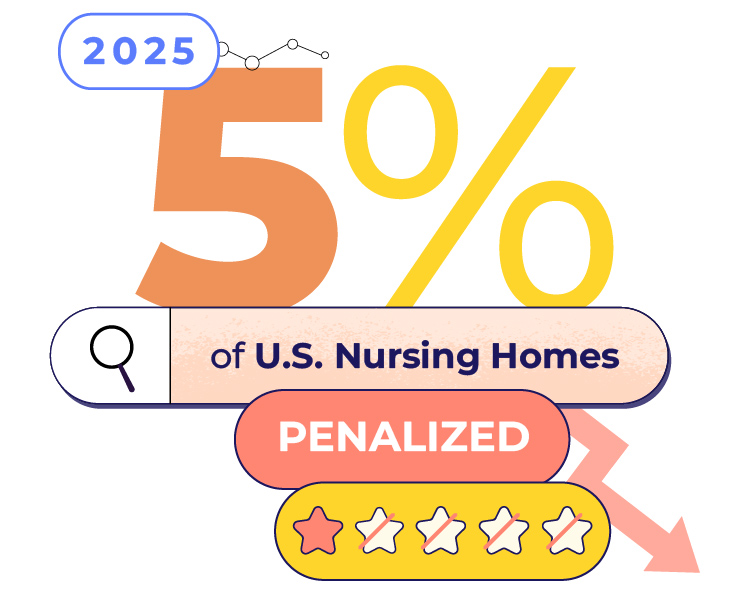
In early 2025, reports showed that more than 5% of U.S. nursing homes were penalized in a single quarter for failing to fully or accurately report PBJ data, with 801 facilities dropping to a one-star staffing rating in January alone. That one-star rating automatically pulls a facility’s overall score down by at least one star and can impact its reputation.
“PBJ errors aren’t just a reporting issue—they can directly impact a facility’s Five-Star rating, which affects everything from public perception to referrals and revenue.”
– Peretz Rapoport, VP of Product at Empeon
Often, a main cause of inaccurate data is disconnected systems: when facilities have payroll in one place, scheduling in another, agency hours tracked on spreadsheets, and someone in HR reconciling everything before a quarterly deadline. When data lives in silos, errors are inevitable.
Here are five costly mistakes hiding in your PBJ submissions right now, and why a unified payroll and workforce management platform built for healthcare is the most reliable way to prevent them.
Mistake #1: Not Splitting Overnight Shifts at Midnight
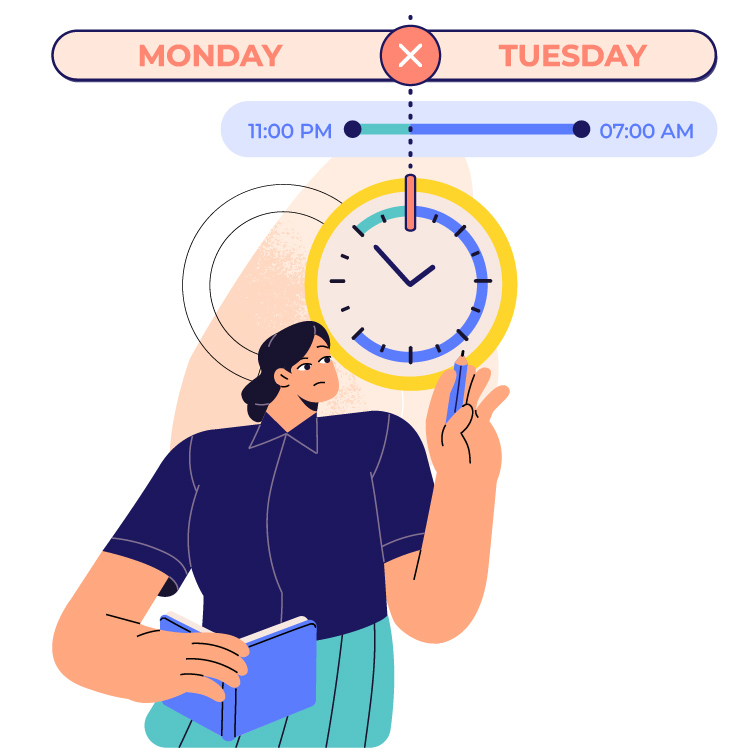
This one sounds simple, but it trips up facilities regularly. Per the CMS PBJ Policy Manual, all hours must be reported on a calendar day basis — midnight is the hard cutoff. A staff member working from 11:00 PM Monday through 7:00 AM Tuesday cannot have all eight hours reported on Tuesday. One hour goes to Monday, seven to Tuesday, minus meal break deductions.
Most traditional payroll systems are built around pay periods, not calendar days. So when overnight shifts are entered as one block, facilities unintentionally misreport their daily staffing levels—the exact kind of hour fluctuations CMS auditors look for. LeadingAge New York warns that large gaps between submitted and verified hours can trigger a one-star staffing rating, and CMS doesn’t need to know the reason to issue the penalty.
CMS doesn’t publicly cite facilities for “midnight split” errors specifically, but these discrepancies are a common trigger for PBJ audits. In an integrated platform built for healthcare, overnight shifts are split automatically, eliminating manual calculations and preventing errors from compounding across a 90-day reporting quarter.
Mistake #2: Missing or Incomplete Agency and Contract Staff Hours
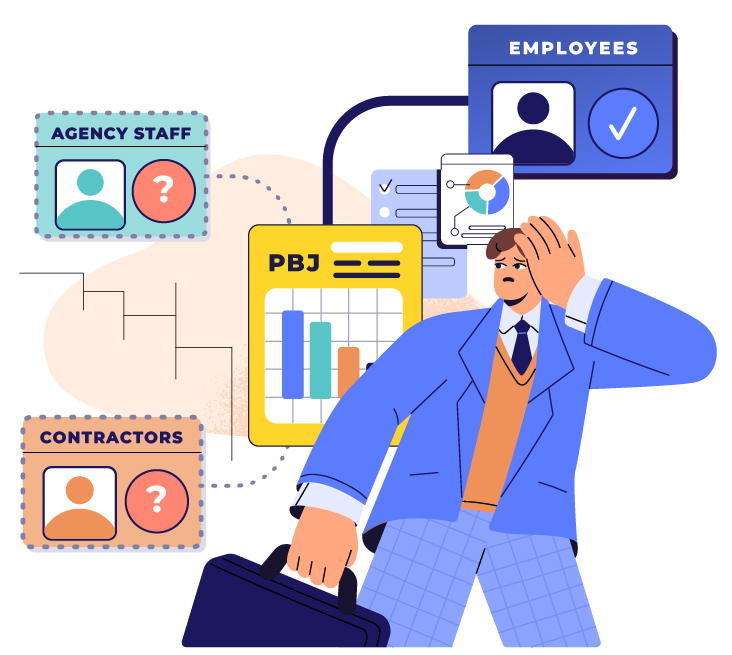
Facilities are required to report direct care hours for all staff, including employees, agency workers, and contractors. Those that use agency nurses or contract CNAs to fill gaps may be tracking their own payroll hours accurately while completely omitting supplemental staff hours.
McKnight’s documented an example where an HR director created two separate PBJ files — one for in-house staff and one for agency — and forgot to submit the agency file. The result: it appeared that 70–80% of the facility’s nursing staff had turned over. That kind of false turnover signal locks a facility into the lowest possible turnover scores for six consecutive quarters.
Agency and contract staff must be submitted with a unique employee ID, the correct job title code, and the contract pay type code. When all worker types flow through one integrated platform, split-file submission errors become impossible. All hours are captured in the same system, and the PBJ export reflects your actual workforce.
Mistake #3: Incorrect Job Title Codes
CMS has defined 40 job title codes for PBJ reporting, each corresponding to a specific role — registered nurses, licensed practical nurses, certified nurse aides, medication aides, and more. When a staff member’s role doesn’t map cleanly to the code assigned in your system, you misreport the composition of your workforce.
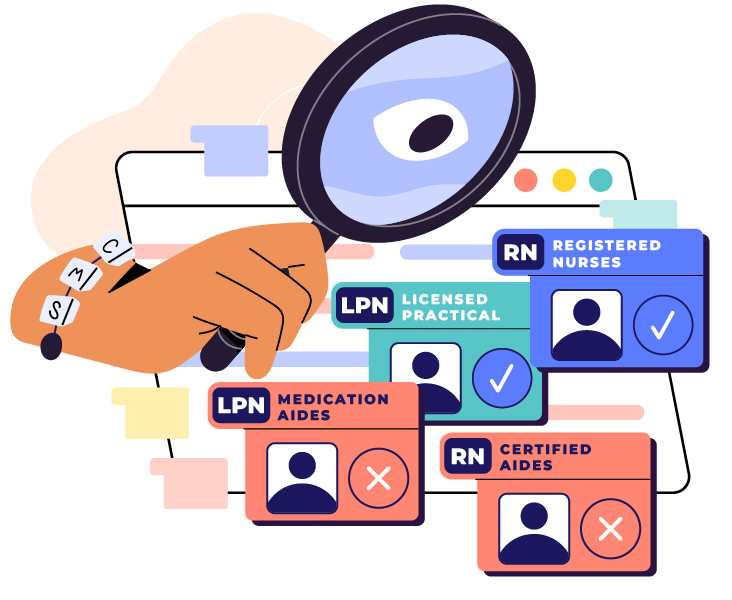
The consequences are more serious than they appear. CMS uses job codes not only to calculate total nursing hours per patient day, but also to verify specific staffing thresholds — including RN coverage requirements. A universal worker coded to a single job title, a charge nurse miscoded as an RN with administrative duties, or a medication aide logged as a CNA distorts your staffing picture in ways that can suppress your rating or draw audit scrutiny. CMS also allows staff who completely shift roles mid-shift to be reported under two job titles for that day — but only with a reasonable, documented methodology in place.
A platform like Empeon, built specifically for healthcare, includes CMS job code mapping in the employee profile setup from day one, so staff are classified correctly at the source, not manually re-coded at submission time.
Mistake #4: Including Non-Reportable Hours
Not all hours on your payroll belong in your PBJ submission, and including the wrong hours can be just as damaging as leaving the right ones out.
Training hours for staff who are not available to provide resident care cannot be reported, even if they occur on-site. Unpaid meal breaks should also be excluded so that only paid working hours are submitted. The CMS PBJ Policy Manual Version 2.7, updated in June 2025, also reaffirmed that no individual may be reported for more than 22.5 hours in a single calendar day. All reported hours must reflect on-site work.

Exempt employees, such as nursing directors, often create reporting problems. Facilities sometimes submit a flat 40 hours per week instead of actual hours worked, which can surface during PBJ audits. In integrated systems that connect payroll, time tracking, and HR data, exclusion rules for training time, breaks, and exempt staff can be configured once and applied automatically.
Mistake #5: Failing to Submit Turnover Data — or Submitting It Inaccurately
Starting in April 2024, CMS ended the grace period for missing turnover data. If a facility fails to submit complete data, it receives the lowest possible score for those measures for six straight quarters.
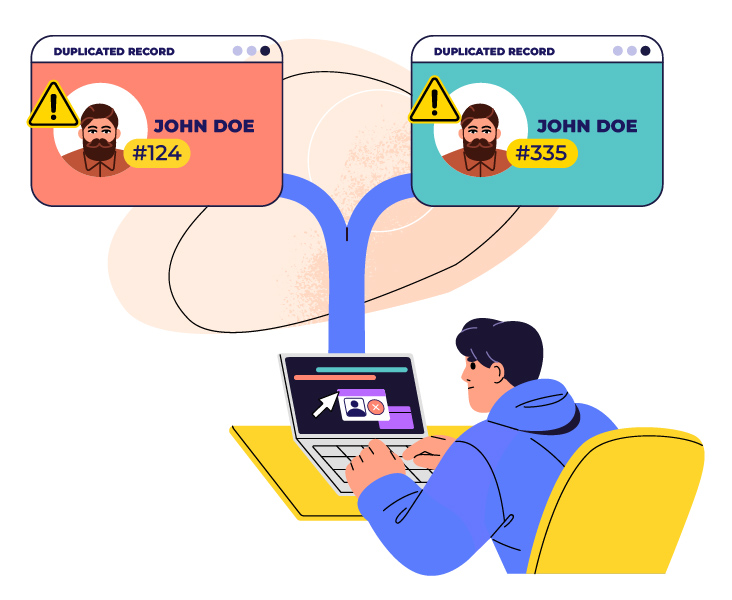
Turnover makes up half of the staffing component in the Five-Star rating system, so the impact can be significant. Even when facilities submit on time, inconsistent employee ID practices can create problems. CMS tracks tenure and turnover using unique employee IDs. If IDs change when staff switch roles, return from leave, or when a facility changes payroll systems, it can look like employees left when they did not. Once reported, that error can affect scores for up to a year and a half.
In a unified HR and payroll system, employee IDs stay consistent across role changes, leave periods, and system migrations, which helps prevent accidental turnover reporting.
What to Do Now
These five mistakes have something in common: you usually don’t see them until an audit or a rating drop exposes them. CMS audits compare PBJ submissions against payroll records, timekeeping data, agency invoices, and contracts. If a facility cannot provide documentation within five days, or if the numbers do not match, the staffing rating can drop to one star for that quarter.

The best protection is not a better checklist. It is a system designed for healthcare. And when payroll, time and attendance, HR, and PBJ reporting all live on the same platform, the manual reconciliation that causes most of these errors largely disappears.
Your staffing may already be excellent. Make sure your data reflects it. Reach out to our team for a demo and learn more about how to avoid these and other reporting mistakes.