Healthcare payroll is complex and often one of the more significant expenses for facilities. Mistakes can be costly and cut into profits. They can also hurt employee morale.
Adding a healthcare payroll audit into your workflow can make all the difference. Empeon’s payroll audit feature, Payguard, automates your reviews and helps you find errors before they reach your employees.
But how do audits work, and what are the benefits? Here’s what to know.
What are healthcare payroll audits?
A healthcare payroll audit is a process that healthcare organizations use to verify that payroll data is accurate and error-free. It systematically reviews pay rates, tax withholdings, benefits and deductions, time and attendance, and payments.
The process can be quick or lengthy, depending on the size of your business, how often you run an audit, and the audit scope.

Why you need them
Issuing a pay run and posting entries to your books without double-checking for mistakes is like washing your hands in mud. You’re entering data, but you can also be making a mess and causing more issues.
Healthcare facilities face many legal and financial requirements, from labor laws and union contract standards to payroll-based reporting and tax payment regulations. A mistake in any of these domains can mean fines, penalties, union action, a downgrade in facility ratings, and even lawsuits.
Choosing an Audit Method
Your financial department or outside officials may use different audit techniques for a full-scale and in-depth internal or external audit. But you can keep your payroll department in top shape with routine reviews every cycle. Most departments use one of two methods: manual or automated.
Manual
Part of your payroll and audit process will always be manual simply because that’s the nature of a review. You need eyes to analyze data and confirm it’s correct.
However, some people prefer to do a manual audit, going line by line, item by item, toggling between each timesheet and pay stub, matching hours to pay rates, specialty items, and more.
Automated audits in batches
Another option is to check these line items using digital tools like Empeon’s Payguard. Typically, these tools are reporting features within your payroll software that automatically check your data against conditions.
All you need to do is set your parameters and let the software scan your data in batches while you review, verify, and correct any problems. There are still some manual elements, but the process is far less physically intense and involved.
4 steps to successful healthcare payroll audits
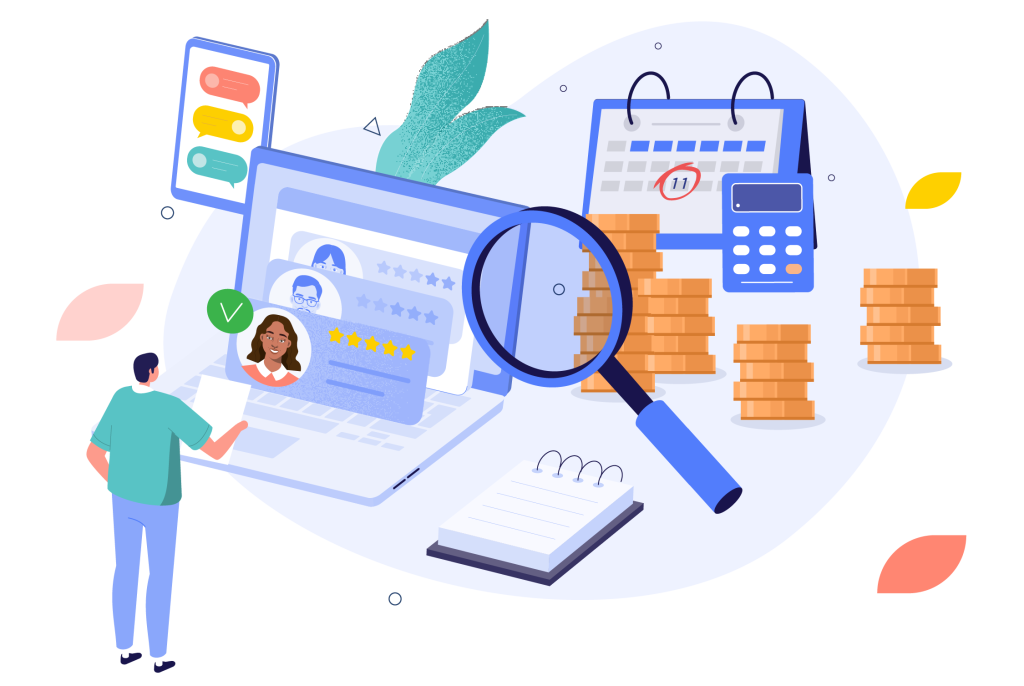
A successful review involves several key steps, including a consistent schedule, synced data, the right tools, and final reconciliation.
Run regular audits
The more often you run an audit, the sooner you will find and correct mistakes. Ideally, audits are just one step in your process. For the best results, run an audit every single pay cycle.
Sync your data
Audits are easier when your data is all in one place. Rather than printing from many sources or switching between systems, a central database gives you easy access and consolidates for quick review.
Use automated audit tools
Automated tools remove the pain from reviews, so you no longer need to pore over sheet after sheet or audit line by line. Software automatically analyzes your data, finds discrepancies, and displays them for confirmation, creating agility in your workflow.
Reconcile payroll data
Finally, check your payments against your bank statements and your accounting ledger to confirm the amounts posted match the amounts actually paid. Without this step, your audit is unfinished.
4 Ways Automated Payroll Audits Streamline Payroll

A lean and seamless audit workflow makes life easier for your payroll team and offers visible benefits for your healthcare business. Empeon created the Payguard payroll audit feature exactly for this—to help you gain control of your processes, avoid errors, and reclaim your time and profits.
The Payguard feature allows you to check your payroll data against the parameters or conditions you set. You can launch an audit batch to check for flagged issues as you run your pay cycle.
For instance, let’s say your hourly RNs are contracted for 40 hours per week and not more than 12 hours in a shift. With the Payguard feature, you set rules to check for hours greater than 40 and 12.
If any of your nurses have logged hours beyond these parameters, the audit workflow will flag the item. You can then check the timesheets for errors, confirm the hours and any overtime, make corrections, or approve as needed.
The Payguard feature allows you to find errors in real time during payroll processing, speeding up the entire process and encouraging accuracy.
49% of employees say they consider finding a new job if payroll mistakes happen more than twice. Finding missed overtime and shift differentials and correcting tax, pay rate, or other errors prevents employees from becoming frustrated.
In addition, a simple and automatic audit workflow, as part of the overall payroll process, builds trust and loyalty with your staff. It shows your employees that you’re serious about paying them correctly.
According to reports, payroll departments spend 27% of their time running payroll and 24% running audits, controls, and reconciliations. 30% of the same departments also say they spend 40% of their time on manual payroll processes.
Together, your payroll team spends nearly half of its time on just two responsibilities, which are overwhelmed with manual work. At the same time, organizations spend an average of $110 per employee to process payroll and all the additional components.
However, according to the American Payroll Association, automation can lower your payroll processing costs by 80%. With automated audits, you save money, from unnecessary labor spent on manual reviews to dealing with expensive errors like tax, deductions, or wage back pay. Plus, you save time, freeing your team to focus on connecting and engaging with healthcare staff.
Time theft, whether accidental or intentional, is sneaky and expensive, yet it’s a common issue for healthcare companies. Automated audits quickly find discrepancies between reported hours and scheduled shifts, miscalculations, or ongoing problems with early or late time logging. These checks and balances help you identify staff who may need performance reviews and management.
Stay sharp with Empeon Payguard

Empeon’s Payguard feature simplifies payroll audits, refining your pay cycle and workflow. You can identify discrepancies before they become expensive mistakes and enhance accuracy for better compliance and trust with your staff.
Discover the power of Empeon’s comprehensive payroll solutions. Get in touch.